 FoodKeep
Mealime Is Shutting Down on October 21: How to Save Your Recipes
Mealime closes on October 21, 2026, with no export. See what moves to Meals Hub, what gets deleted and how to save the recipes you cook before the deadline.
Short answer: Mealime shuts down on October 21, 2026. Your personal data is deleted at that point, and there is no export button. Mealime's own recipes move to Albertsons' free Meals Hub, but the recipes you added yourself, your meal plans, grocery lists and settings don't come with them. Before the 21st, save the recipes you actually cook somewhere you control: import their mealime.com pages into a recipe app like FoodKeep, and screenshot or print the ones you added yourself.
What Mealime announced
Mealime's closing announcement covers four points:
- The date. Mealime is discontinued as of October 21, 2026.
- Pro is free until then. Paid subscriptions are being wound down, and every Pro recipe and feature is open to all users. Pro subscribers won't be charged again.
- The recipes live on in Meals Hub. Every Mealime recipe moves to Meals Hub, a free meal-planning section inside the Albertsons Companies apps and websites (Safeway, Albertsons, Vons, Jewel-Osco, ACME and their sister stores).
- Your data does not. Personal data is deleted at shutdown, and preferences have to be set up again in Meals Hub.
What you keep and what you lose
| Your Mealime stuff | After October 21 |
|---|---|
| Mealime's recipe collection | Available in Meals Hub, with an Albertsons-family account |
| Mealime recipes you saved | Your list is deleted; find the recipes again in Meals Hub or save them yourself |
| Recipes you added yourself (Settings → Your Recipes) | Deleted, and they aren't on mealime.com or in Meals Hub |
| Meal plans and plan history | Deleted |
| Grocery lists | Deleted |
| Dietary preferences and dislikes | Set them up again wherever you go next |
The biggest loss is easy to miss: recipes you imported or typed into Your Recipes exist only in your account. If you only ever cooked straight from Mealime's weekly suggestions, Meals Hub may be all you need. If you have recipes you cook again and again, save those yourself so they don't depend on another company's next decision.
A checklist for the next three weeks
- List the recipes you actually cook. Open your saved recipes in Mealime and take screenshots of the list. Be ruthless: the dishes you make every month matter more than the ones you saved once.
- Rescue Your Recipes first. Open Settings → Your Recipes in Mealime. These are the only recipes that disappear completely, so save them before anything else (see below).
- Write down your settings. Note your diet, allergies, dislikes and default servings, so you can set up any new app in two minutes.
- Pick a home for your recipes. Meals Hub, a recipe app, a shared note or printed pages all work. What matters is that you can find a recipe in under a minute. Our sister site RecipesFinder compares ten Mealime alternatives by price, planning and recipe import.
- Save each recipe before October 21. Mealime hasn't said its recipe pages will stay online afterward, so don't count on the links working later.
- Check your subscription once. Mealime says Pro subscribers won't be charged again. To be sure, open Settings → your name → Subscriptions on your iPhone.
How to move Mealime recipes into FoodKeep
Mealime publishes its recipes on mealime.com, and each recipe page includes the ingredients and steps in the standard recipe format that search engines read. FoodKeep reads that format too. When we tested a mealime.com recipe page on October 2, FoodKeep's importer picked up all 12 ingredients, all 7 steps and the photo.
One catch: that page data lists most seasonings and pantry items without amounts. In our test recipe, 8 of the 12 ingredients came through as just "garlic powder", "Dijon mustard" or "salt", while the recipe itself calls for ½ tsp, 4 tsp and so on. Keep Mealime open while you import and type those amounts in. It takes a minute per recipe.
- In Safari, open the recipe on mealime.com. Searching the recipe name usually finds it.
- Tap Share and choose FoodKeep, or copy the link, open FoodKeep, tap + and choose Paste a link.
- Check the draft against Mealime and add the missing seasoning amounts.
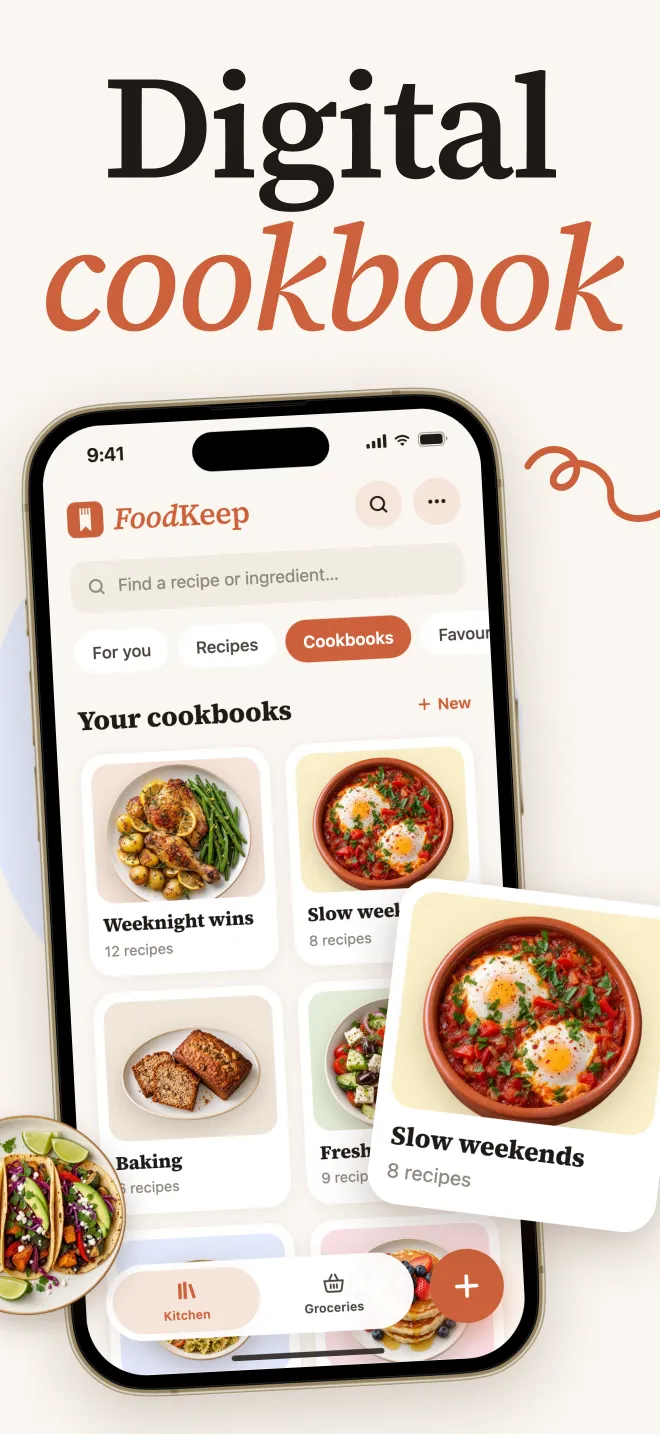
- Save it to a cookbook such as "From Mealime", so your old favorites stay together.
How to save the recipes you added yourself
Recipes in Your Recipes aren't on mealime.com, so there's no link to import. Three ways to keep them:
- Go back to the original page. If you imported the recipe into Mealime from a website, that site is probably still online. Import it from there.
- Screenshot it. Open the recipe in Mealime and screenshot the ingredients and steps. In FoodKeep, tap +, choose Photos, scans & PDF, then Choose photos. You can select up to 20 screenshots at a time, and FoodKeep reads the recipe text from them. Check the amounts before you save, especially fractions.
- Print it from a computer. Mealime's help center says recipes can only be printed from its web app at app.mealime.com, using the printer icon under the instructions. Choose Save as PDF in the print dialog, then import the PDF into FoodKeep the same way. We couldn't confirm that the web app shows Your Recipes, so check that yours are there.
Good to know: FoodKeep keeps your recipes. It doesn't come with Mealime-style ready-made weekly plans or a catalog of recipes chosen for you. If that's what you used Mealime for, look at Meals Hub too. The two work well side by side: a catalog for ideas, and your own cookbook for the dishes you keep making.
After the move: keep the Mealime routine
What made Mealime work was the loop: pick a few recipes, shop once, cook. In FoodKeep, a "This week" cookbook plus the grocery list covers that loop with recipes you choose. FoodKeep vs Mealime compares the two apps honestly and shows the routine step by step.
Frequently asked questions
Can I export my recipes from Mealime?
No. Mealime's help center has no export, and its announcement says personal data is deleted at shutdown. Save the recipes you want by importing their mealime.com pages into another app, printing them from the web app or taking screenshots before October 21.
Will Mealime recipes still be available after October 21?
Yes, in Meals Hub. Mealime says all of its recipes continue there. You need to sign in to an Albertsons-family store app or website to use it. Your saved lists and plans don't transfer.
Do I need to cancel my Mealime Pro subscription?
Mealime says Pro subscribers won't be charged again and that Pro features are free for everyone until the app closes. It's still worth confirming in your iPhone's subscription settings.
Can I import Mealime recipes into FoodKeep after October 21?
Only if the recipe pages are still online, and Mealime hasn't said they will be. Import the recipes you care about before October 21.
What happens to the recipes I added to Mealime myself?
They're deleted with your account. They aren't published on mealime.com and they don't move to Meals Hub. Import them from their original website, or save them as screenshots or a printed PDF.
Does FoodKeep make meal plans like Mealime?
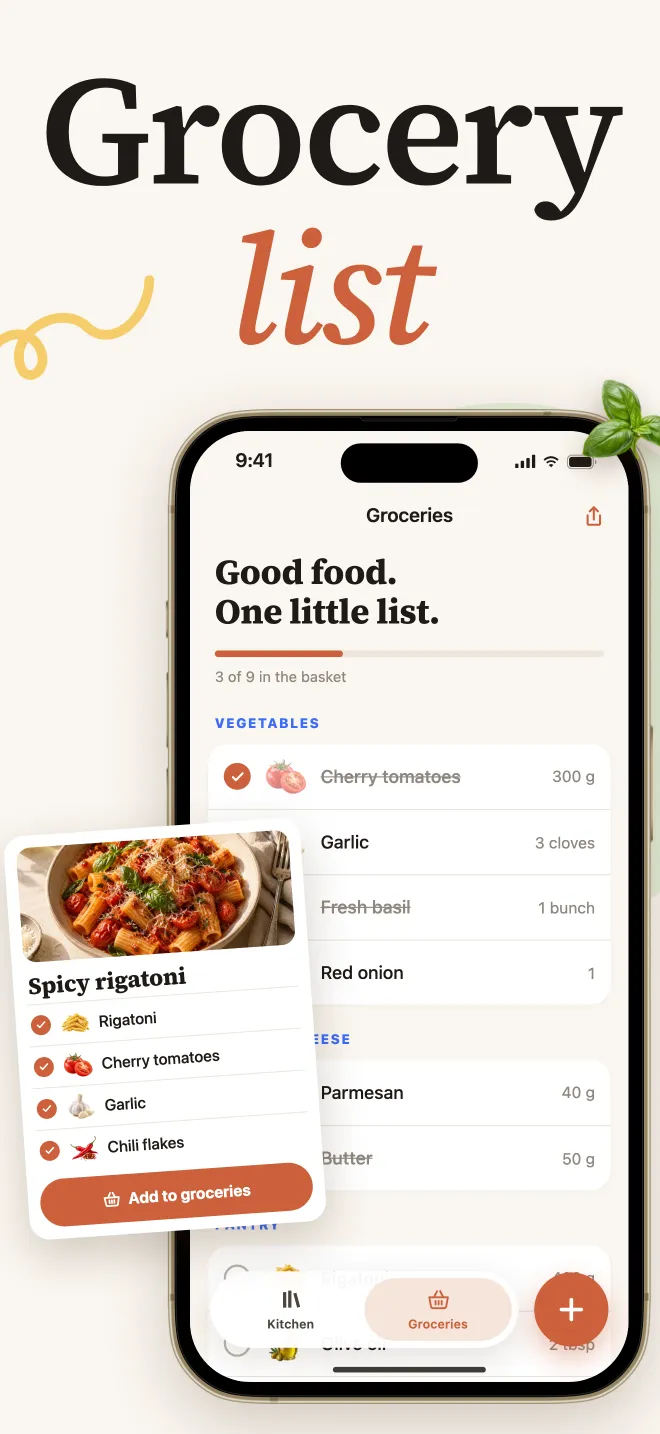
No. FoodKeep has no automatic meal plans or planning calendar. It saves recipes from websites, social posts and photos, scales servings, builds a grocery list grouped by aisle and guides you through cooking.