 FoodKeep
Recipe App Shutting Down? How to Keep Your Recipes When an App Closes
Yummly closed in 2024 and Mealime closes on October 21, 2026. What survives when a recipe app shuts down, what doesn't, and how to keep your recipes safe.
Short answer: When a recipe app closes, its own recipe catalog usually lives on somewhere, but your personal data (saved lists, meal plans, notes and the recipes you added yourself) is usually deleted. Keep a copy you control of every recipe you cook: the full ingredients and steps, not just a link, plus the source and your notes. Before you commit to any app, check that it can export everything.
It keeps happening
Recipe apps are businesses, and businesses get bought, merged and closed:
- Yummly went offline in December 2024. yummly.com now redirects to KitchenAid's recipe pages (Wikipedia).
- Whisk became Samsung Food in August 2023, updated in place on users' phones (9to5Google).
- Mealime, bought by Albertsons Companies in 2021, closes on October 21, 2026. Its recipes move to Albertsons' Meals Hub, personal data is deleted and there's no export (Mealime). If you use Mealime, start with our Mealime shutdown guide.
The pattern is consistent: the company's recipes survive; your stuff doesn't. The recipes you collected, adjusted and annotated over the years are exactly the part that tends to disappear.
What to keep for every recipe you care about
A bookmark isn't a recipe. Pages change, videos get deleted and links stop working. For each recipe you actually cook, keep:
- Ingredients with amounts, including the seasonings.
- The steps, in order, with temperatures and times.
- Servings, so you can scale it later.
- The source link and creator, for credit and for checking the original.
- Your notes, such as "used half the chili" or "needs 10 more minutes in our oven." These are usually the most valuable part and the easiest to lose.
Five questions to ask before you trust an app with your recipes
- Can I export everything, as a file I keep? Look in Settings for Export, Backup or Download my data. If there's nothing there, ask support before you put years of recipes in.
- Does it store the whole recipe, or only a link? If the original page disappears, a saved link is worth nothing.
- Does it keep the source? You'll want to credit the creator and check the original when something looks off.
- Can I add my own recipes and notes? Family recipes and your changes are the hardest things to replace.
- Does it depend on another account? If the app only works inside a store or device brand's ecosystem, your recipes depend on that company's plans too.
When an app announces it's closing: a rescue plan
- Read the announcement for three things: the closing date, what happens to your data, and whether there's an export.
- Export if you can, then open the file to make sure your recipes are actually in it.
- Separate the app's recipes from yours. Catalog recipes may live on at a successor or on the app's website. Recipes you added yourself usually don't.
- Save your own recipes first. Import them from their original websites, screenshot them, or print them to PDF.
- Screenshot this week's plan and grocery list, so you aren't starting from nothing next week.
- Check your subscription in your phone's settings so nothing renews after the lights go off.
How FoodKeep handles this
We'd rather you never need the rescue plan, so FoodKeep is built around keeping your copy:
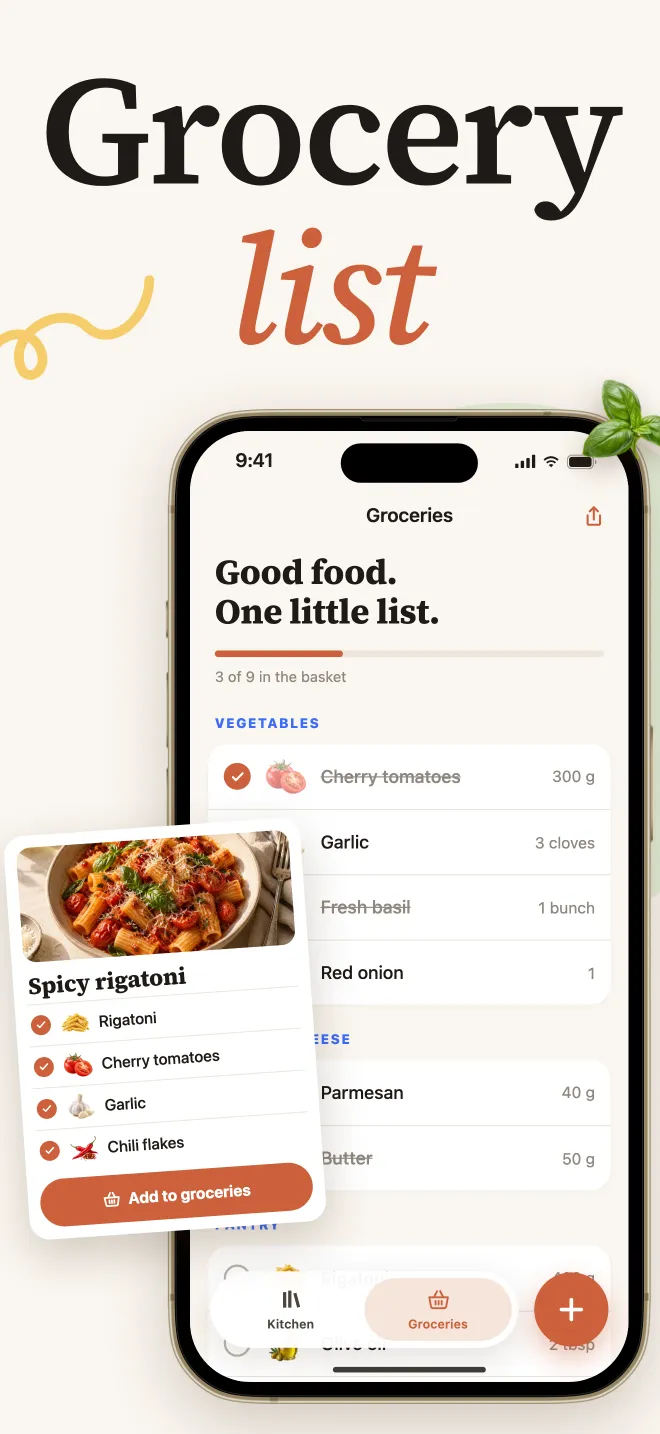
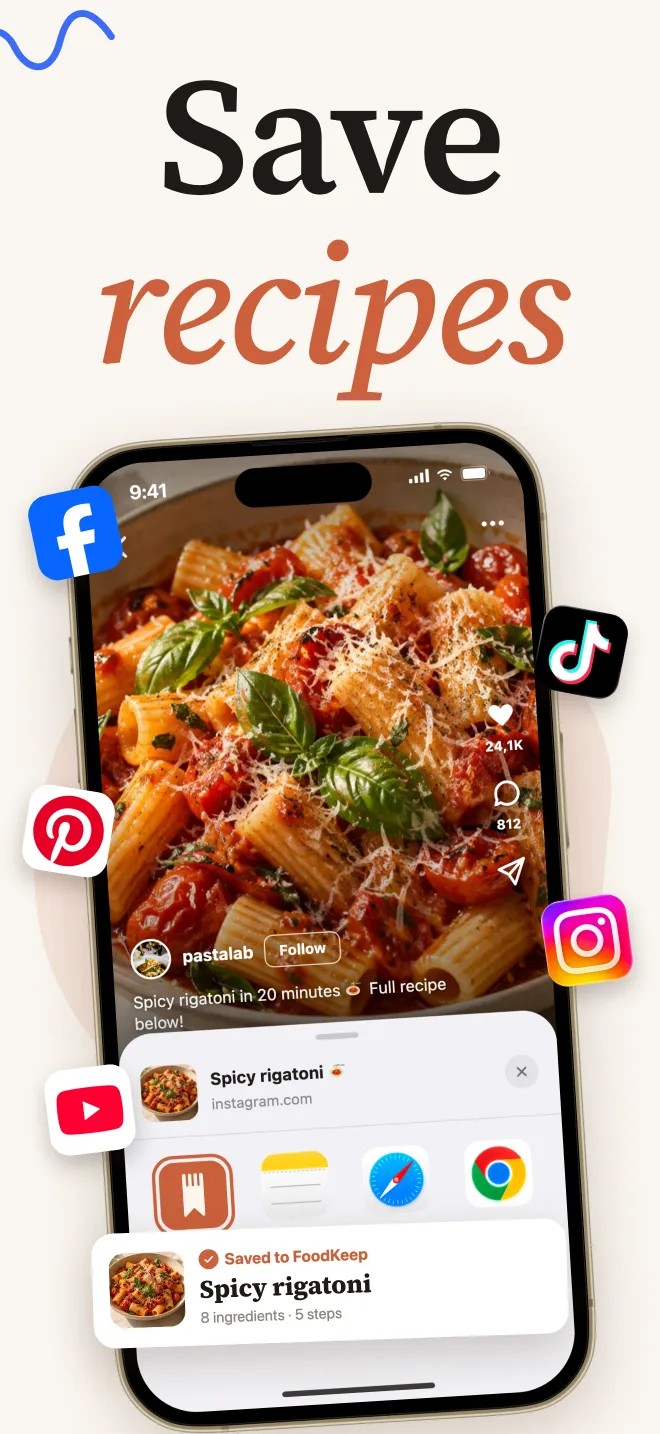
- It saves the whole recipe: ingredients, steps and servings from websites, Instagram and TikTok, plus the original link.
- It reads paper and screenshots: handwritten cards, cookbook pages, PDFs and up to 20 photos at a time.
- Your notes live with the recipe, and show up while you cook.
- You can take everything with you. With an account, Settings → Export my data prepares a ZIP of your recipes, cookbooks, shopping lists and photos. The recipes are stored as JSON, a format made for moving data between apps rather than reading on paper.
Frequently asked questions
What happened to Yummly recipes?
Yummly went offline in December 2024, and yummly.com now redirects to KitchenAid's recipe pages. If you still have a recipe's original source, import it from there.
Can I export my recipes from Mealime?
No. Mealime's help center has no export, and personal data is deleted when the app closes on October 21, 2026. Import the recipes you want from mealime.com, and screenshot or print the ones you added yourself. Our Mealime guide has the steps.
Is a screenshot good enough as a backup?
It's better than nothing, but a screenshot isn't searchable and can't scale servings or build a grocery list. Import screenshots into a recipe app that reads the text, then check the amounts.
How do I know if a recipe app lets me export?
Look in its settings for Export, Backup or Download my data, and check its help center. If you can't find it, ask support. An app that can't give you your recipes back is a risk worth knowing about up front.