 FoodKeep
FoodKeep vs Mealime: What's Different and Who Should Switch
Mealime planned your week; FoodKeep keeps the recipes you choose. An honest side-by-side for Mealime users deciding where to go before October 21.
Short answer: Mealime and FoodKeep solve different problems. Mealime chose recipes for you and turned a weekly plan into a grocery list. FoodKeep saves the recipes you find, on websites, Instagram, TikTok, in cookbooks and on family cards, and turns them into a grocery list and step-by-step cooking. If you want an app to pick your dinners, Meals Hub, Mealime's official successor, is the closer match. If you want your own recipes in one place, including your Mealime favorites, FoodKeep is built for that.
Side by side
| Mealime | FoodKeep | |
|---|---|---|
| Status | Closes October 21, 2026 | Actively developed |
| Where recipes come from | Mealime's own recipe collection | Whatever you save: websites, social posts, photos, scans, PDFs or your own typing |
| Weekly meal plans | Personalized plans made for you | No planner; keep a "This week" cookbook |
| Grocery list | Generated from your plan, with delivery through partner grocers | Built from any recipe at the servings you choose, grouped by aisle, shareable as text |
| Diet preferences | Classic, vegetarian, vegan, keto, paleo, gluten-free, dairy-free and more, plus allergy filters | No diet filters; you choose what you save |
| Nutrition | On every recipe (a Pro feature), with Apple Health integration | Not available |
| Your data | Deleted at shutdown, no export | With an account, download your recipes, cookbooks and lists as a ZIP (Settings → Export my data) |
| Cooking mode | Step-by-step instructions | Step-by-step, with built-in timers and your own notes |
| Import recipes from elsewhere | No | Yes |
| Price | Free; Pro was $2.99 a month and is free for everyone until shutdown | Free to download; optional FoodKeep Plus subscription |
| Devices | iPhone, iPad, Android and web | iPhone and iPad |
Mealime details come from its App Store listing, help center and closing announcement, checked on October 2, 2026.
Where Mealime was better
It's worth being clear about what you're losing:
- It made the decision for you. Open the app, accept a plan, shop. FoodKeep doesn't suggest a week of dinners.
- Diets and dislikes were built in. Mealime filtered its collection for you. In FoodKeep you're the filter.
- Nutrition. Mealime showed nutrition for each recipe. FoodKeep doesn't calculate nutrition.
- One consistent recipe format. Every Mealime recipe was written the same short way, so its grocery list and steps were always tidy. Imported recipes are only as complete as their source.
Those strengths are exactly what Albertsons is keeping in Meals Hub, which is free and carries the whole Mealime collection.
Where FoodKeep is better
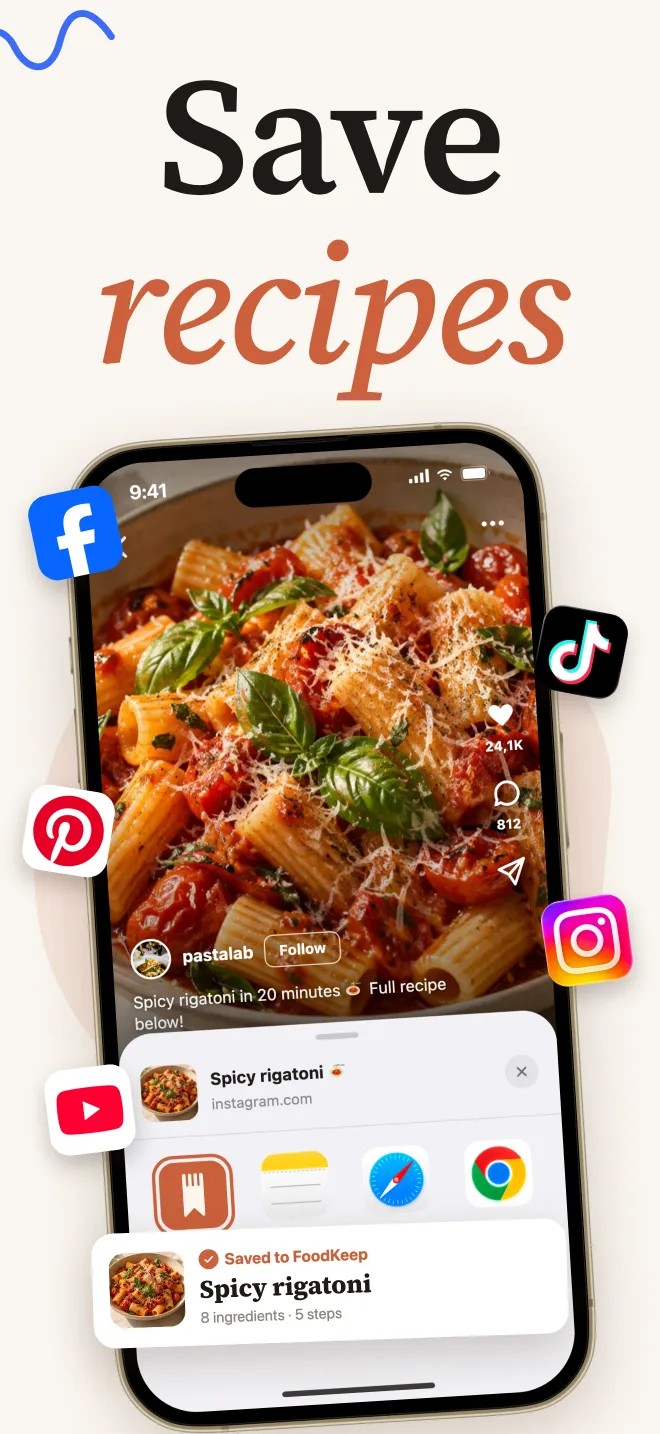
- Recipes from anywhere. Share a recipe website, an Instagram post or a TikTok to FoodKeep and it builds a recipe from the page or caption. Read how it handles TikTok recipes and Instagram recipes.
- Paper and screenshots. Scan a handwritten card or a cookbook page, or pick up to 20 photos at once. See how to digitize family recipe cards.
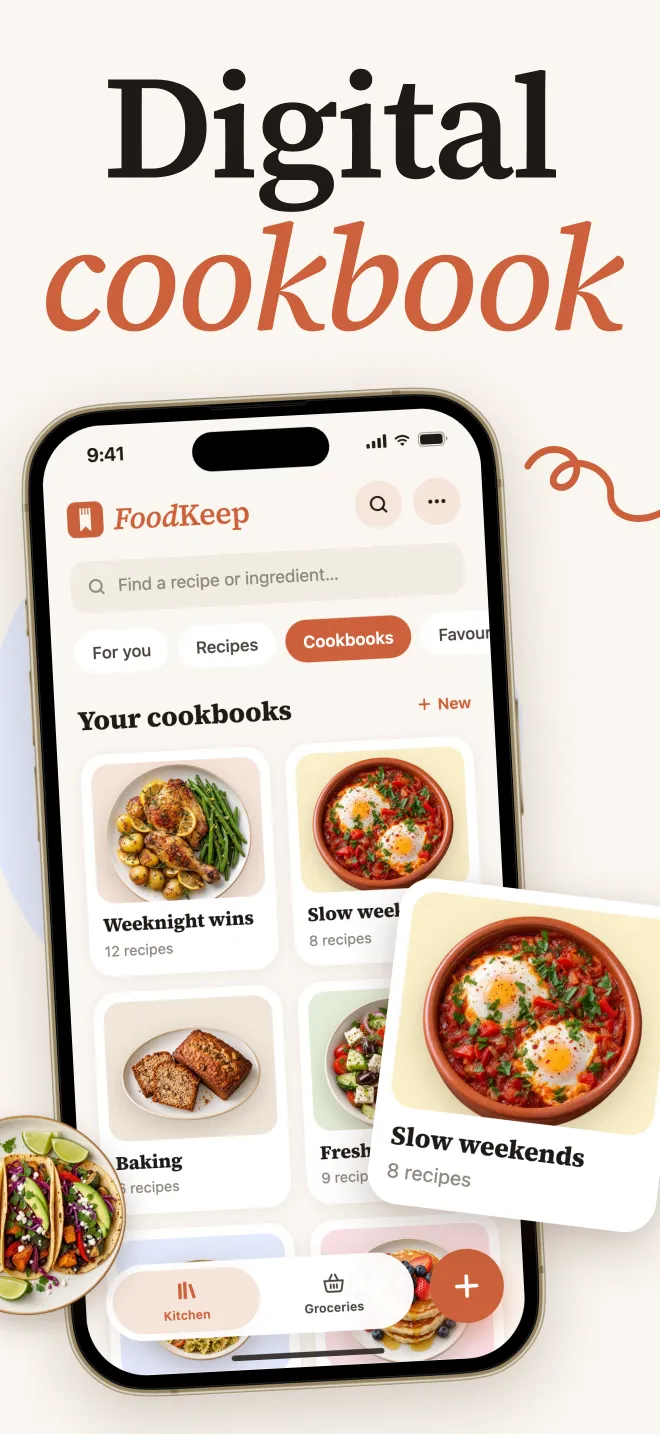
- Your own cookbooks. Group recipes the way you cook ("Weeknights", "From Mealime", "Grandma's") and search by name or ingredient.
- Not tied to one store. Your recipes aren't part of a grocery chain's app, so you don't need a store account to cook from them.
How to rebuild the Mealime routine in FoodKeep
The Mealime habit was simple: choose a few recipes, shop once, cook. Here's the same loop in FoodKeep:
- Save your Mealime favorites first. Open each recipe on mealime.com and share it to FoodKeep before October 21. Our Mealime shutdown guide walks through it.
- Create a cookbook called "This week." Add three to five recipes. Pick at least two that share fresh ingredients (the same herbs, the same bag of spinach) so nothing goes to waste.
- Set the servings on each recipe. Quantities update, in metric or cups.
- Add the ingredients to Groceries. FoodKeep groups the list by aisle. Check off what's already in your pantry, then share the list as text if someone else is shopping.
- Cook step by step, with timers inside the steps. Add a note when you change something ("used half the chili").
- On the weekend, clear the cookbook and pick the next week.
Who should choose what
- Choose Meals Hub if you shop at an Albertsons-family store, you mostly cooked Mealime's recipes as they were, and you want plans made for you. Here's what moves to Meals Hub and what doesn't.
- Choose FoodKeep if your recipes come from many places (blogs, Instagram, TikTok, cookbooks, family cards) and you want them all in one searchable app with a grocery list.
- Use both if you like Mealime's recipes for ideas but want your proven favorites somewhere that won't close.
Frequently asked questions
Can FoodKeep import my Mealime recipes?
Yes, from their pages on mealime.com. In our October 2 test, FoodKeep picked up every ingredient, step and the photo from a Mealime recipe page. Mealime's page data leaves out amounts for most seasonings, so add those while Mealime is still open. Import the recipes you want before October 21, because Mealime hasn't said those pages will stay online.
Does FoodKeep make meal plans?
No. There's no automatic plan or planning calendar. A "This week" cookbook plus the grocery list covers the same routine with recipes you choose.
Is FoodKeep free?
FoodKeep is free to download. FoodKeep Plus is an optional subscription with monthly or yearly plans; the price and any trial terms are shown in the app before you buy.
Is FoodKeep on Android?
No. FoodKeep is for iPhone and iPad.
Does FoodKeep show nutrition information?
No. If you relied on Mealime's nutrition data or its Apple Health integration, FoodKeep won't replace that part.