 FoodKeep
How to Save Recipes from Instagram (and Actually Find Them Again)
Instagram's Save button keeps the Reel, not the recipe. Here are four ways to save Instagram recipes on iPhone — and how to turn a Reel into a real recipe with ingredients and steps.
Short answer: Instagram's bookmark saves the post, not the recipe. To keep a recipe you can cook from, copy the ingredients and steps out of the caption (or the creator's linked recipe page) into a place built for recipes. On iPhone, the fastest way is to tap Share on the Reel and send it to a recipe app like FoodKeep, which reads the caption and any linked page and turns them into an editable recipe.
Why the Instagram Save button isn't enough
Saving a Reel feels like saving a recipe, but a few weeks later most of us hit the same wall:
- The recipe lives in a caption. Ingredients are often buried under hashtags, or split between the caption, the video and a "link in bio".
- Saved collections aren't searchable by ingredient. You can't ask Instagram for "that chicken thing with lemon and orzo".
- Posts disappear. Creators archive, delete or edit posts, and accounts go private.
- It's awkward to cook from. Scrolling a caption with flour on your hands, while the video autoplays, is nobody's idea of fun.
The fix is to keep the video for inspiration and store the recipe somewhere you can search, edit and cook from.
Four ways to save a recipe from Instagram
1. Use Instagram's Saved collections
Tap the bookmark icon under a post, then Add to collection to group it (for example "Weeknight dinners"). It's free and instant, but you're still saving the post: no ingredient search, no shopping list and no copy if the post goes away. Good for inspiration, weak for cooking.
2. Screenshot the caption
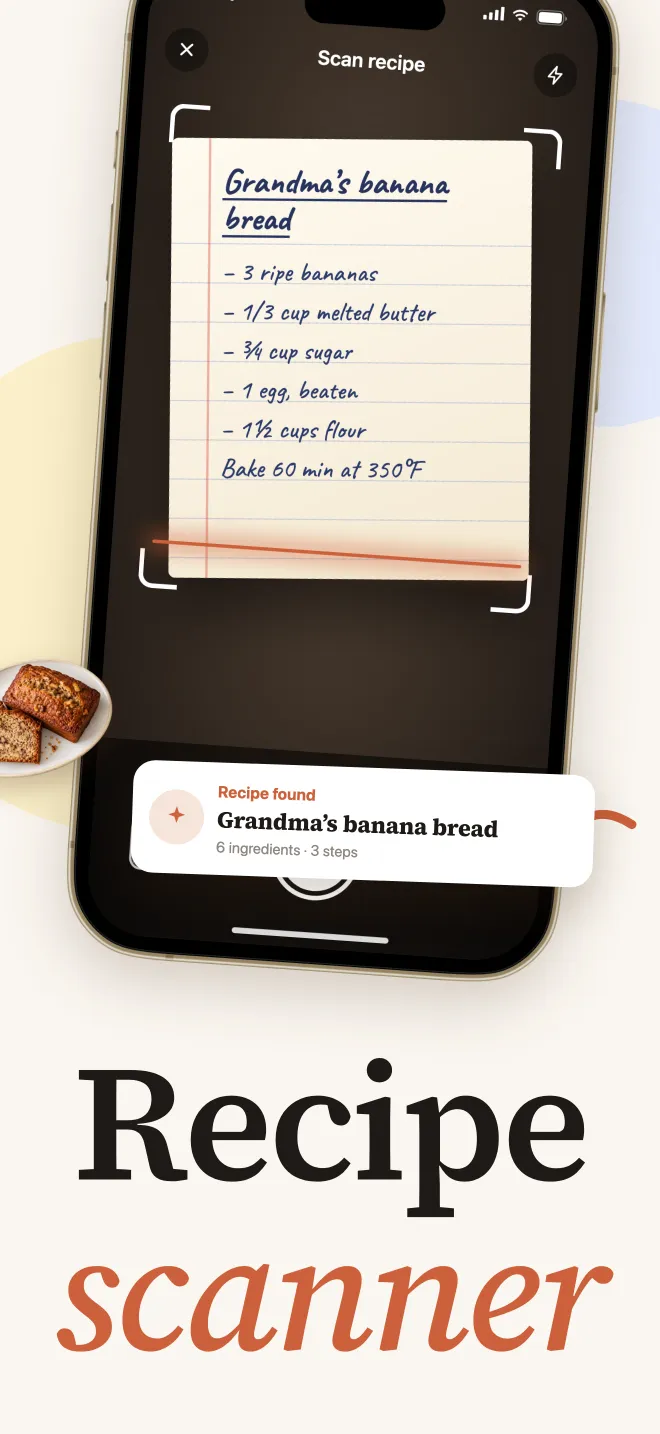
Screenshots survive deleted posts, but they pile up in your camera roll next to everything else, they are hard to search, and long captions take several shots. If you already have a folder of recipe screenshots, a recipe scanner can turn them into text later.
3. Copy the caption into Notes
Press and hold the caption, copy it and paste it into Apple Notes. You get searchable text, but you'll still be cleaning up hashtags and emoji, and quantities won't scale when you cook for more people.
4. Share the Reel to a recipe app
A recipe keeper app turns a post into a structured recipe: an ingredient list with quantities, numbered steps, a photo and a link back to the original. That's what makes the recipe searchable, scalable and easy to cook from.
How to save an Instagram recipe with FoodKeep
- Open the Reel or post in Instagram.
- Tap the Share (paper plane) button, then More if FoodKeep isn't shown in the first row.
- Choose FoodKeep.
- FoodKeep reads the caption and, when the creator links a recipe page, that page too. It builds a draft with ingredients, quantities and steps.
- Review the draft, fix anything that looks off, add it to a cookbook and save.
The original post stays linked on the recipe, so you can always rewatch the video or credit the creator.
What to expect: results depend on what the creator actually shared. If the caption only says "recipe on my website", FoodKeep follows the link when it can. If a video shows the recipe without writing it down anywhere, you'll get a partial draft to finish yourself.
Tips for a tidy Instagram recipe collection
- Save the recipe, not just the vibe. If a post has no written recipe, add a quick note with what you saw — "~200 g feta, bake 30 min at 200 °C" — while it's fresh.
- Use a few broad cookbooks. "Weeknights", "Baking" and "Hosting" beat forty tiny folders you'll never open.
- Check servings before you shop. Scale the recipe first so the grocery list has the right quantities.
- Credit creators. Keep the source link on the recipe. If you cook it and love it, go back and tell them.
Frequently asked questions
Can I save an Instagram recipe without an app?
Yes. You can bookmark the post, screenshot it or copy the caption into Notes. These work, but you won't get ingredient search, scaling or grocery lists, and bookmarks break if the post is deleted.
What happens if the creator deletes the post?
An Instagram bookmark stops working. A recipe you saved into a recipe app keeps its ingredients and steps, because the text is stored with your recipe rather than on Instagram.
Does FoodKeep work with Instagram Reels and regular posts?
Yes. You can share both Reels and photo posts to FoodKeep from Instagram's share sheet. FoodKeep works best when the caption or a linked page contains the ingredients and steps.
Can I save recipes from TikTok the same way?
Yes, the share flow is almost identical. See our guide on how to save recipes from TikTok.